DUBAIA264232025
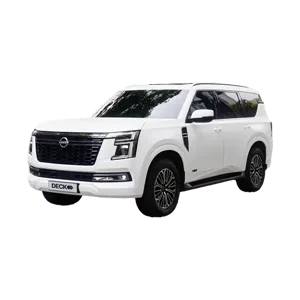
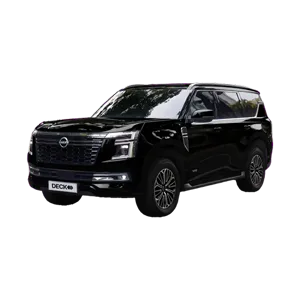
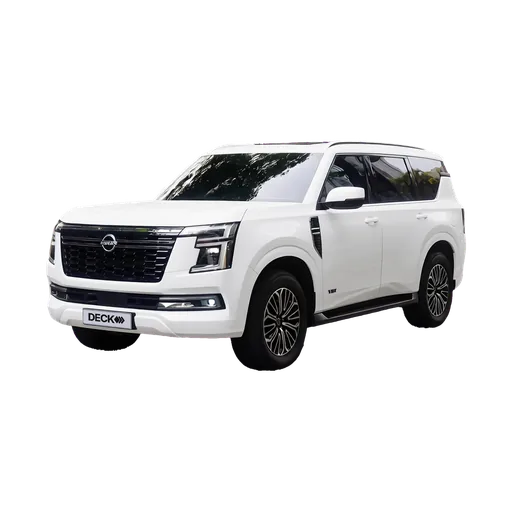
Nissan PatrolWhite24,415 km
What is out, what is back today and what is booked next week, without rebuilding a sheet. Every car with its photo, its plate and its papers.
Mulkiya
Scan the registration card and the car fills itself in. The photo comes with the model, so the car looks like itself from the first day. How scanning works.
For your drivers
Drivers open DECK on their phone and find their own jobs on one page: the cars to hand over, the contracts waiting for a signature and the cars to take back. Any driver can take back a car that is out, whoever handed it over.
Every booking, every return and every free day, for every car, all month.
Its photo, its papers and its next booking are kept on the car, so anyone at the desk can hand it over without asking around.
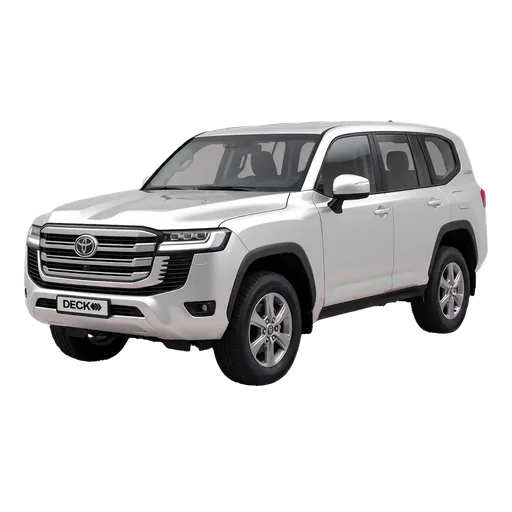
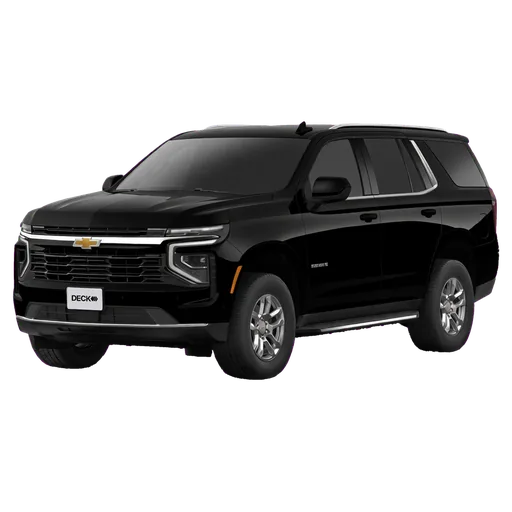
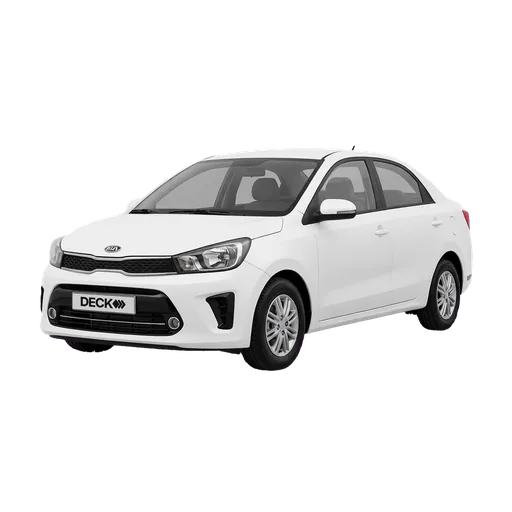
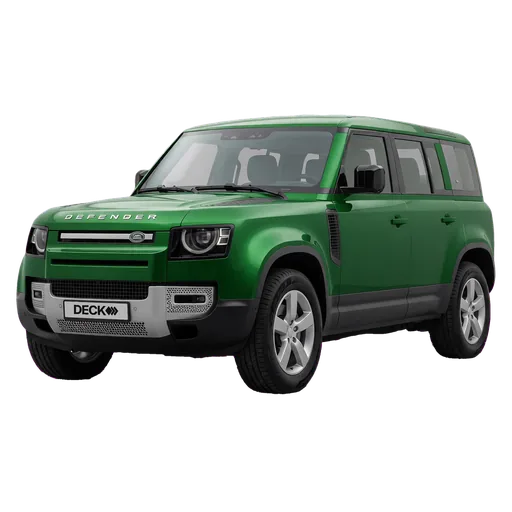
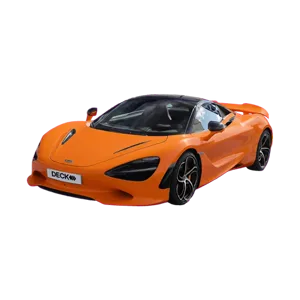
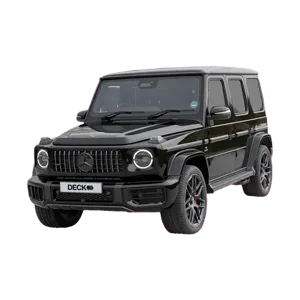
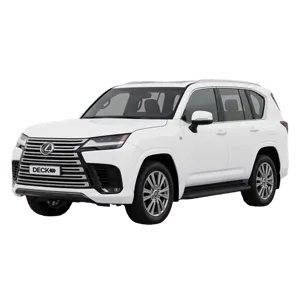
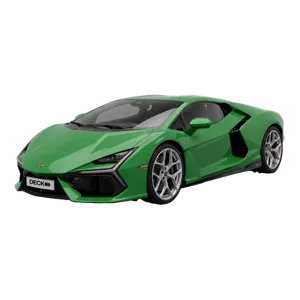
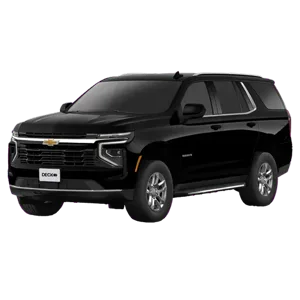
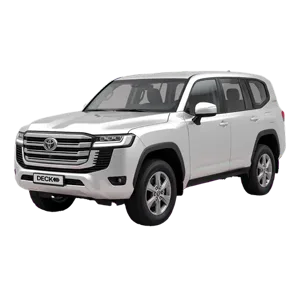
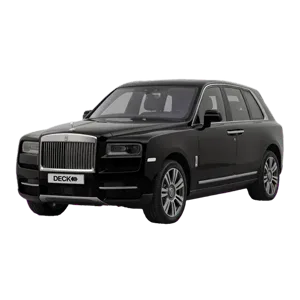
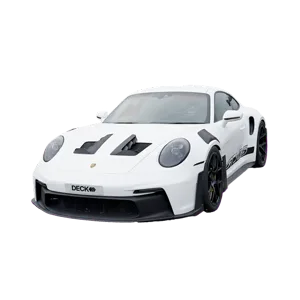
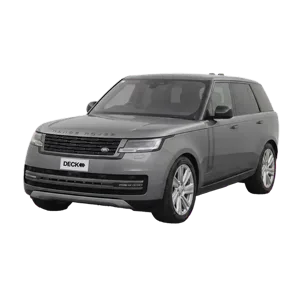
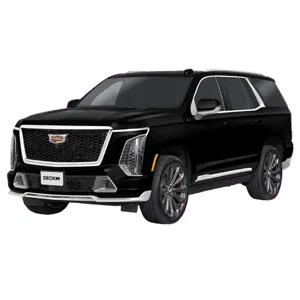
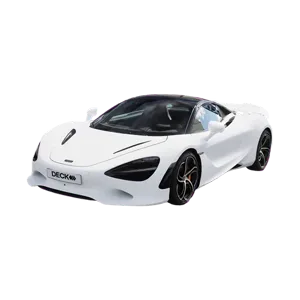
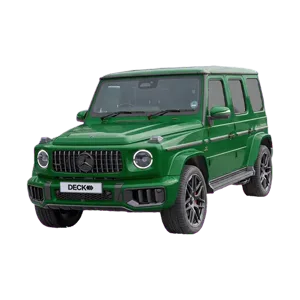
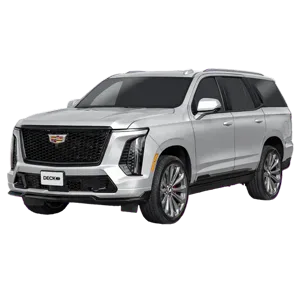
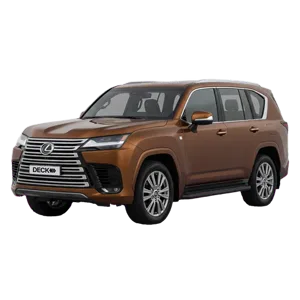
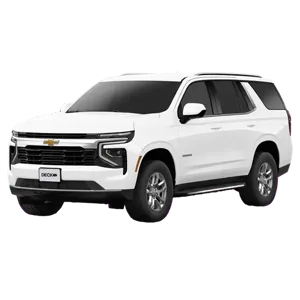
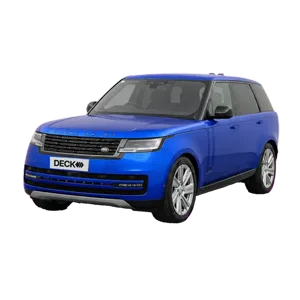
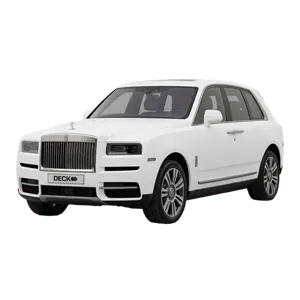
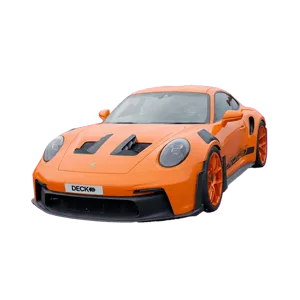
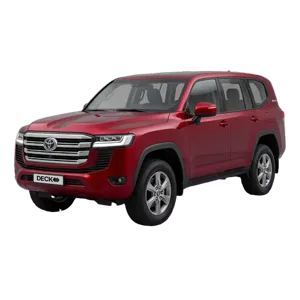
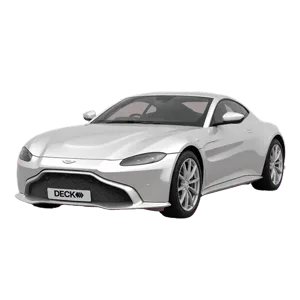
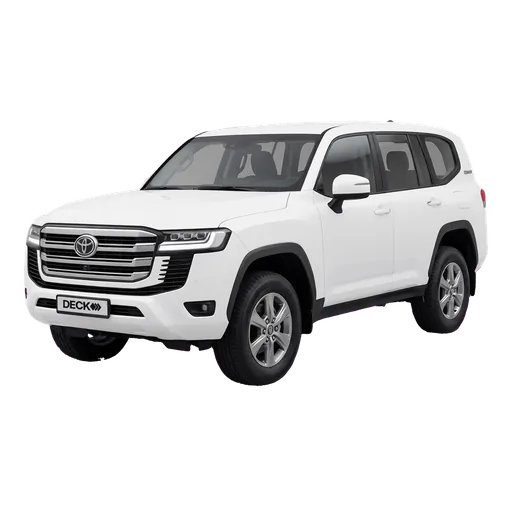
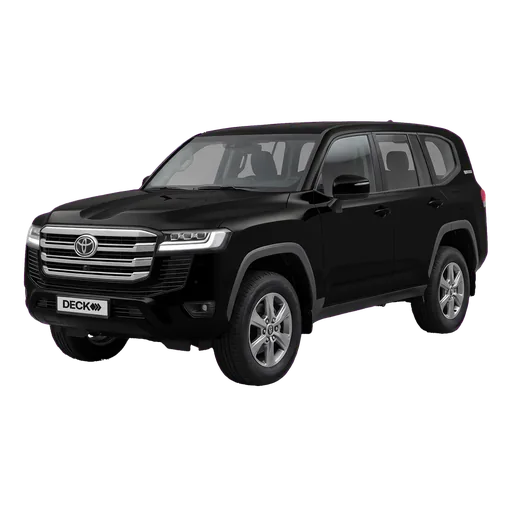
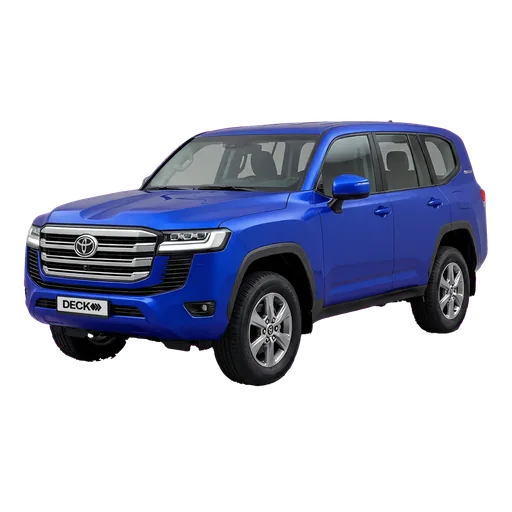
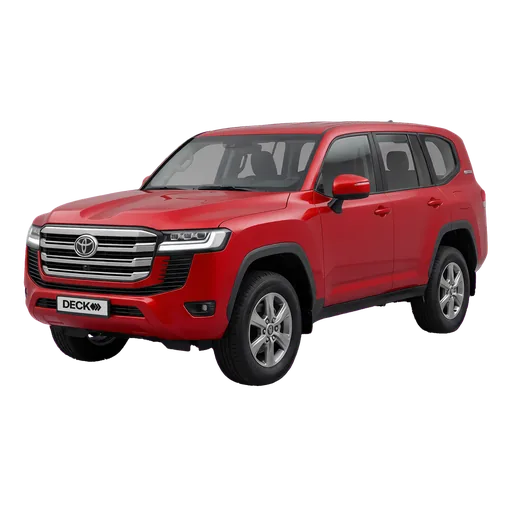
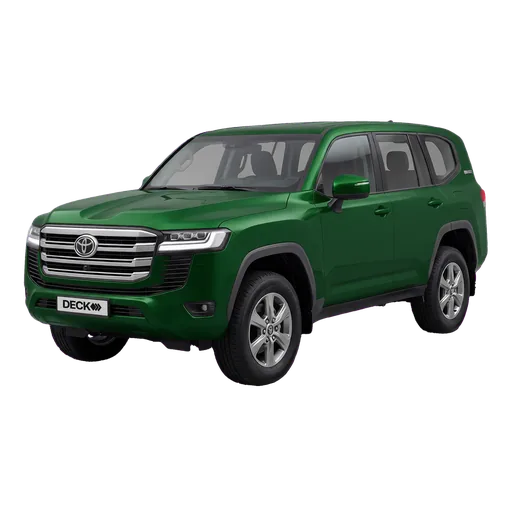
Pick the model and the photo comes with it, in the colour of your car. From a Nissan Sunny to a Rolls-Royce Cullinan, the cars you see at a UAE desk.
Plate, Mulkiya, insurance dates, day rate and deposit, on the car itself. Send it to the garage and it drops out of new rentals.
A reservation holds the car for that customer on those days. At hand-over it becomes the rental, and extending it later is one step.